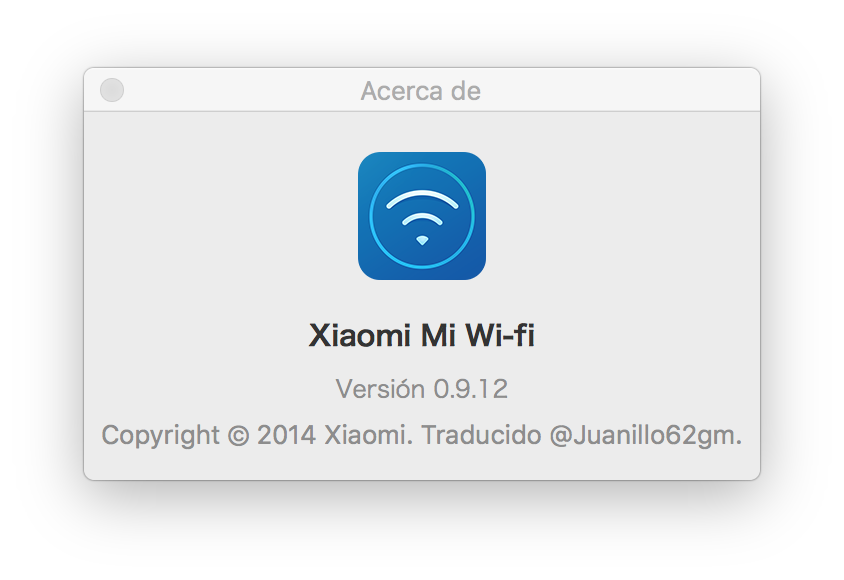
Xiaomi Mi Wi-Fi Router | Translation Patch Guide
How to install the patch
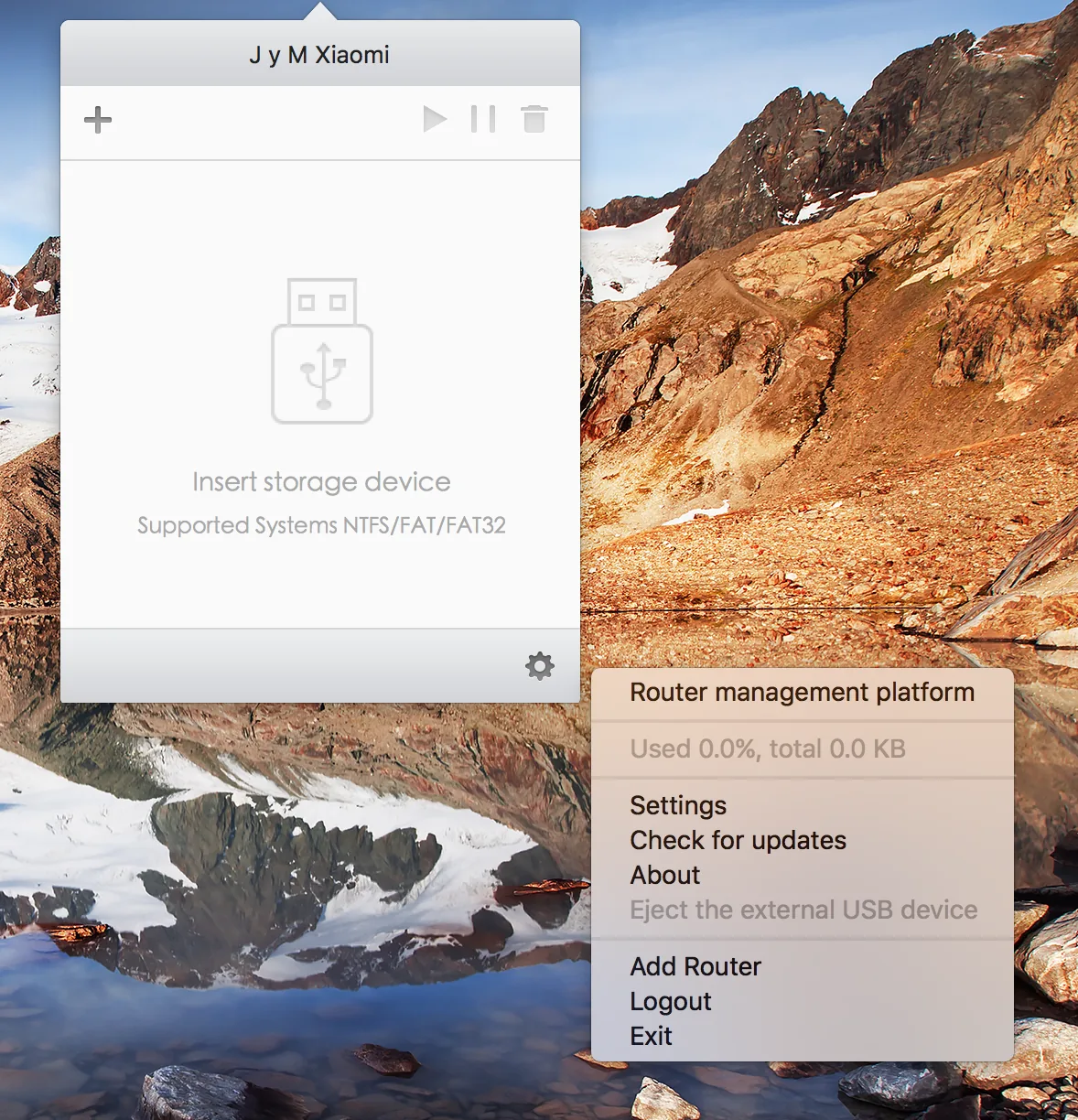
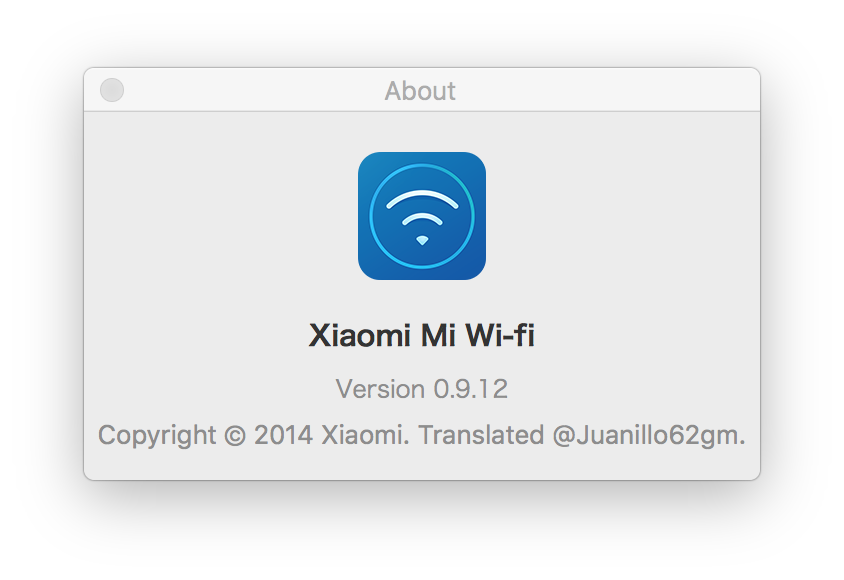
- Download and install the XMRouter 0.9.12.dmg app.
- Download the folder zh-Hans.lproj
- Open the Finder and go to Applications.
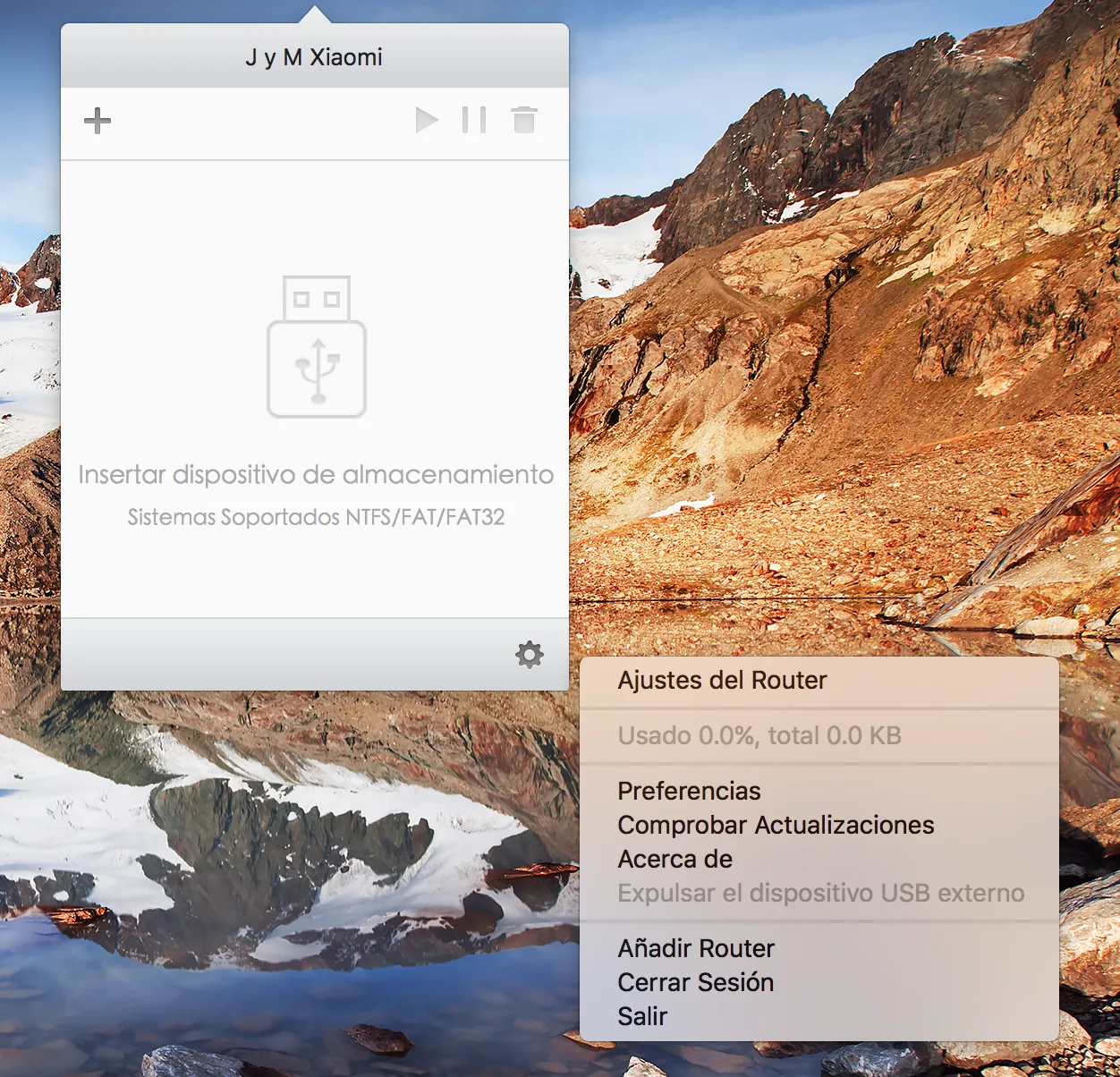
- Right click on 小米路由器 (Recommend rename it to My Wi-Fi to be able to open it from Spotlight easily) and click to show content of the package.
- Enter to the path /Contents/Resources/zh-Hans.lproj
- Change the existing folder to the folder you have downloaded.
- Restart the Mi Wi-Fi app.
- Ready, we have the application of Mi Wi-Fi translated into English.
Path
/Applications/小米路由器.app/Contents/Resources/zh-Hans.lprojNote for English translation
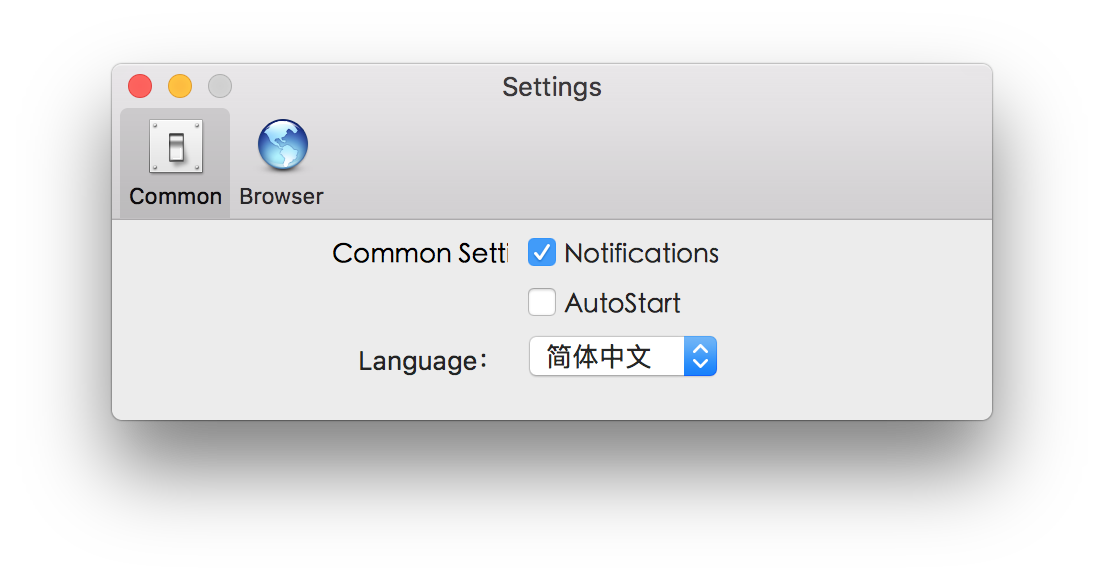
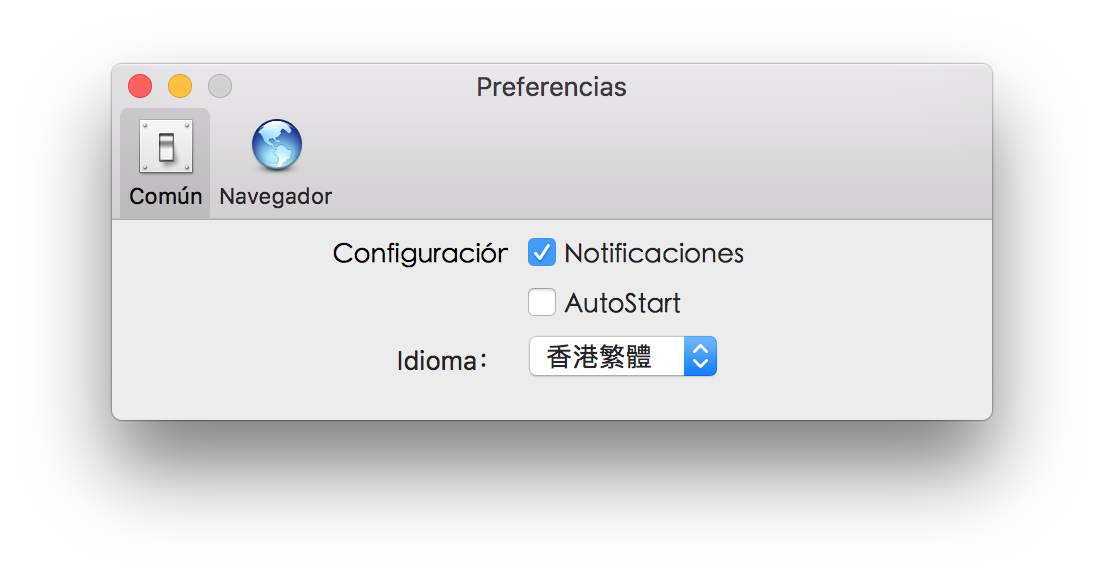
If you install the english versión of the translation you must open the app, login, go to settings and click on the third option and select the second chinese name of the list for activate english translation.
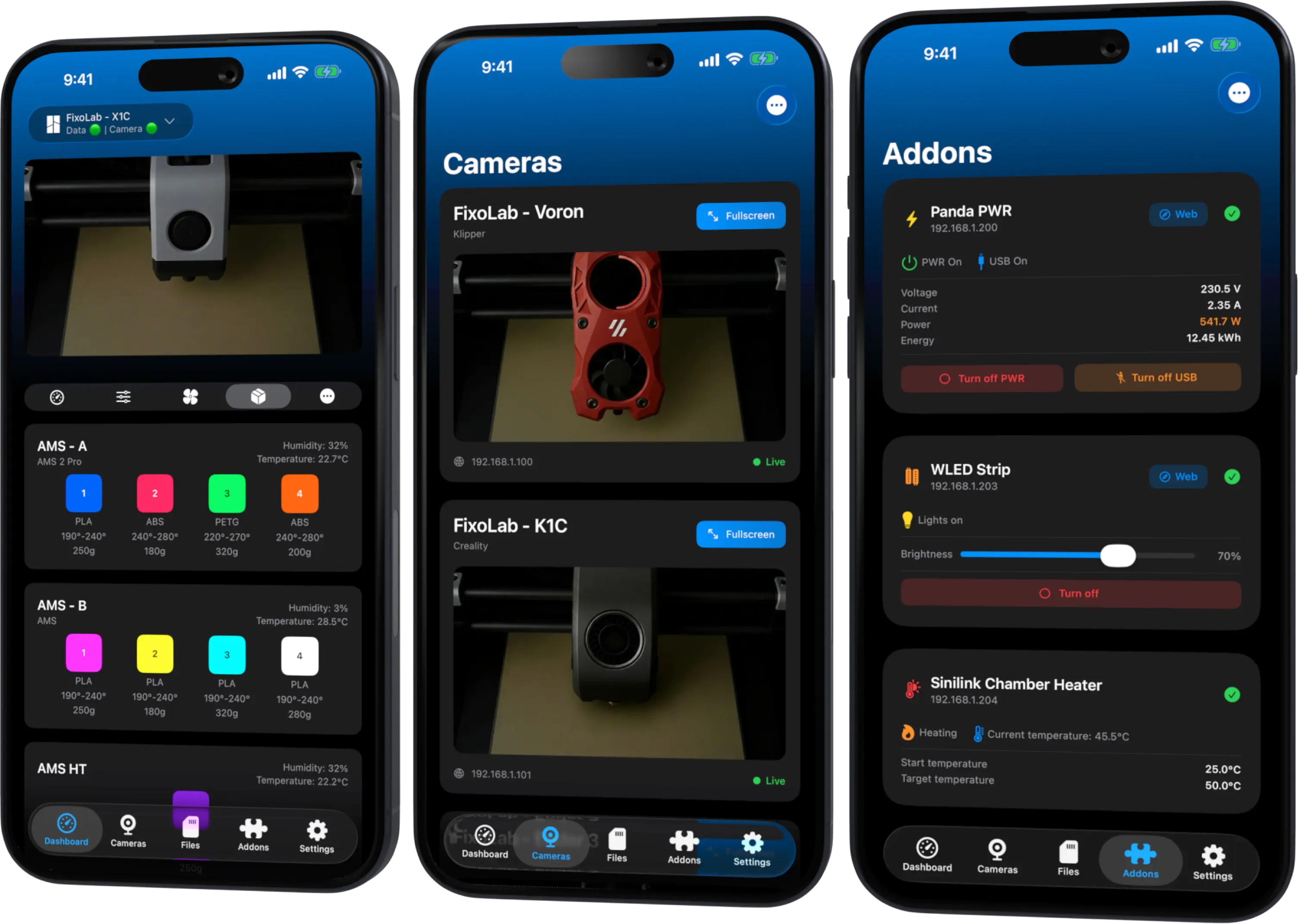
Ultimate 3D Printer Control
Connect printers from Bambu Lab, Klipper, OctoPrint, Creality, Snapmaker and Prusa from anywhere.
Monitor your prints in real-time and control everything from your iPhone, iPad, Mac or Apple Watch.
Screenshots
Ultimate Dashboard for Xiaomi and Ninebot
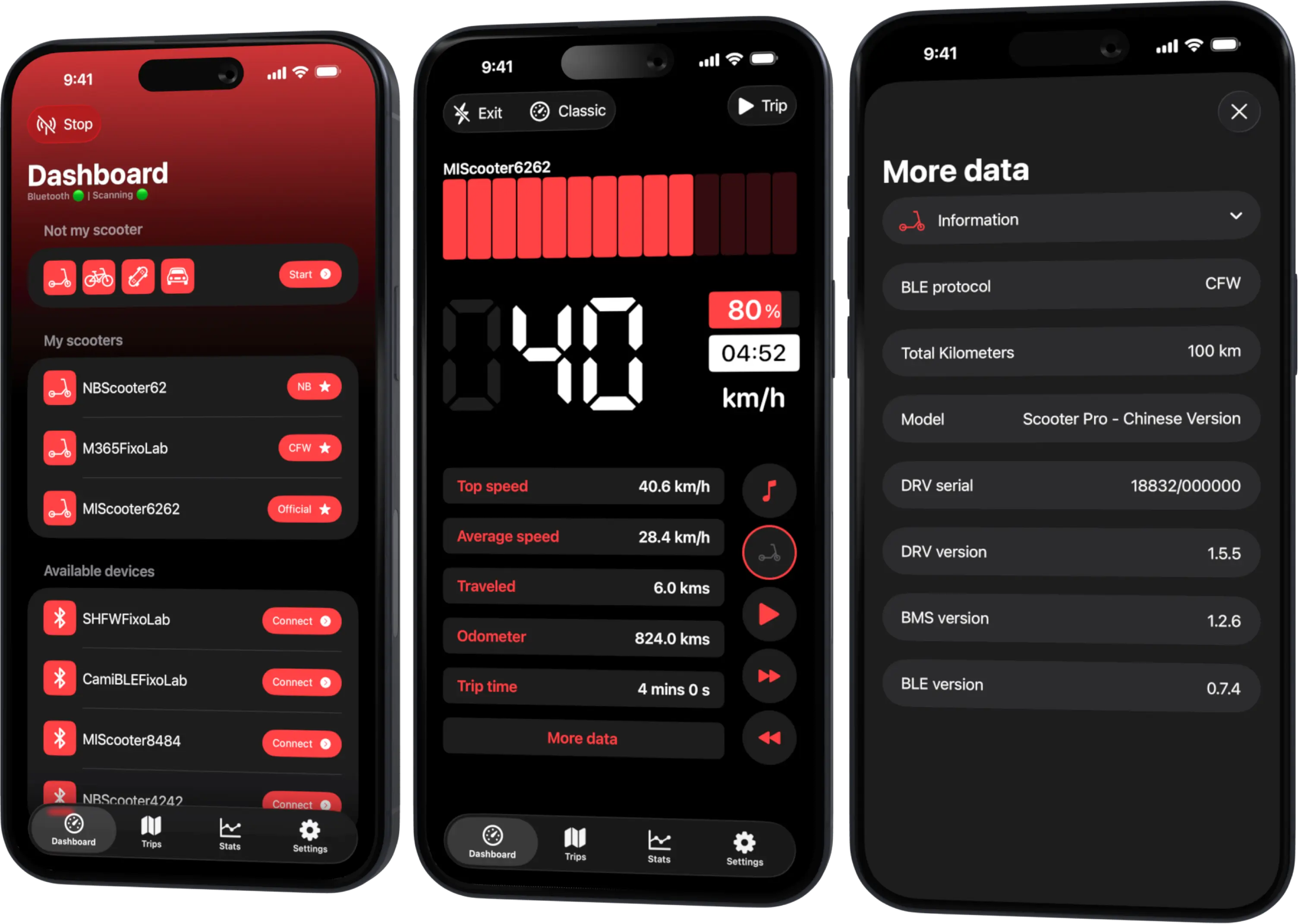
Monitor, customize and track your scooter statistics from your pocket.
Get real-time data about battery, speed, temperature and more. Compatible with official and custom firmwares. Sync everything with iCloud and personalize your dashboard.
Manage Your Ad Revenue in Real-Time
The most powerful dashboard for Google AdMob and AdSense publishers.
Monitor your earnings, clicks, and eCPM across multiple accounts. Customizable widgets and detailed charts to help you optimize your monetization strategy from anywhere.