Wi-Fi Hardware Monitor | ESP8266 DIY Project
Features
- Ready for SSD1306 and ST7735 screens
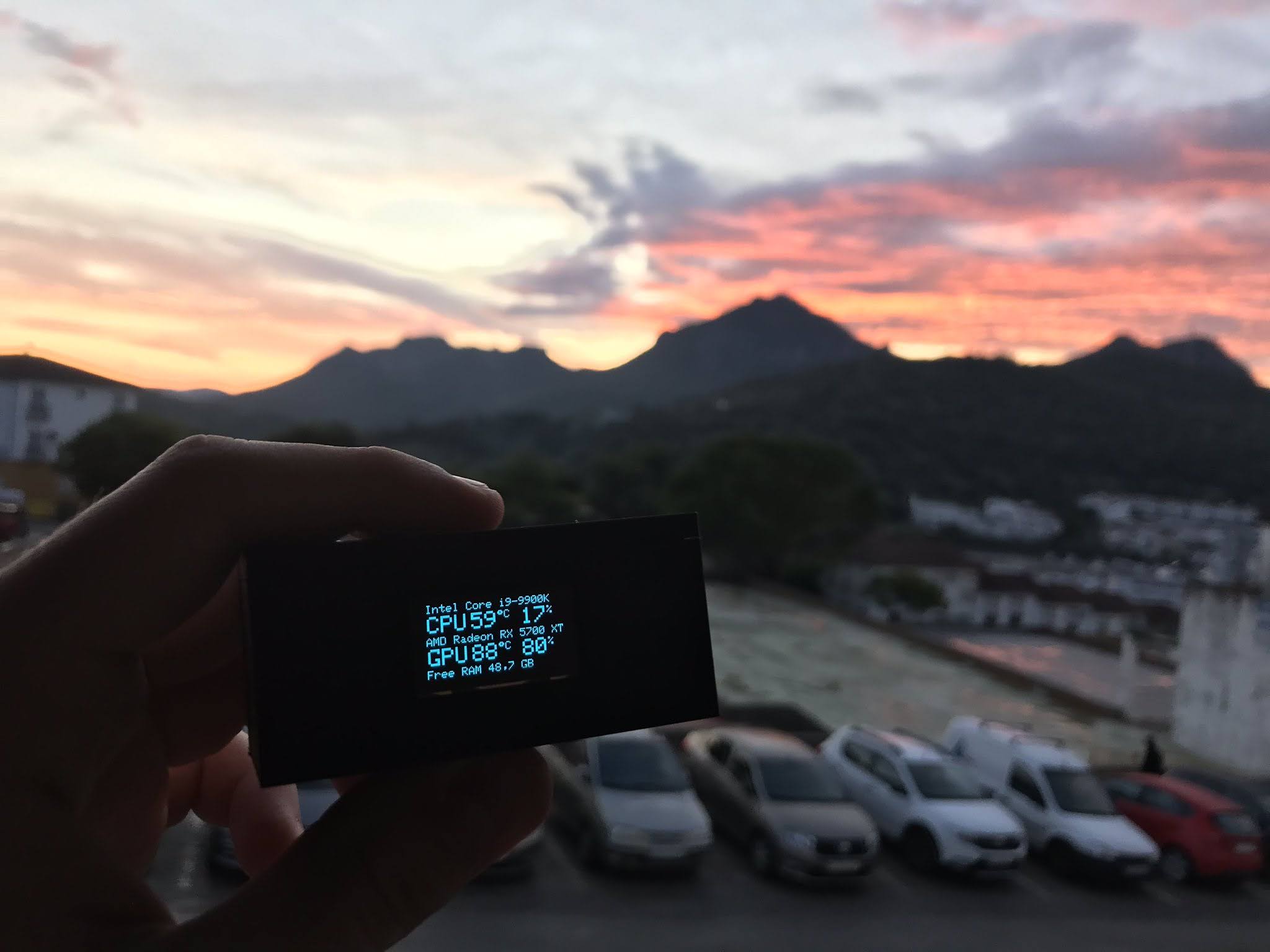
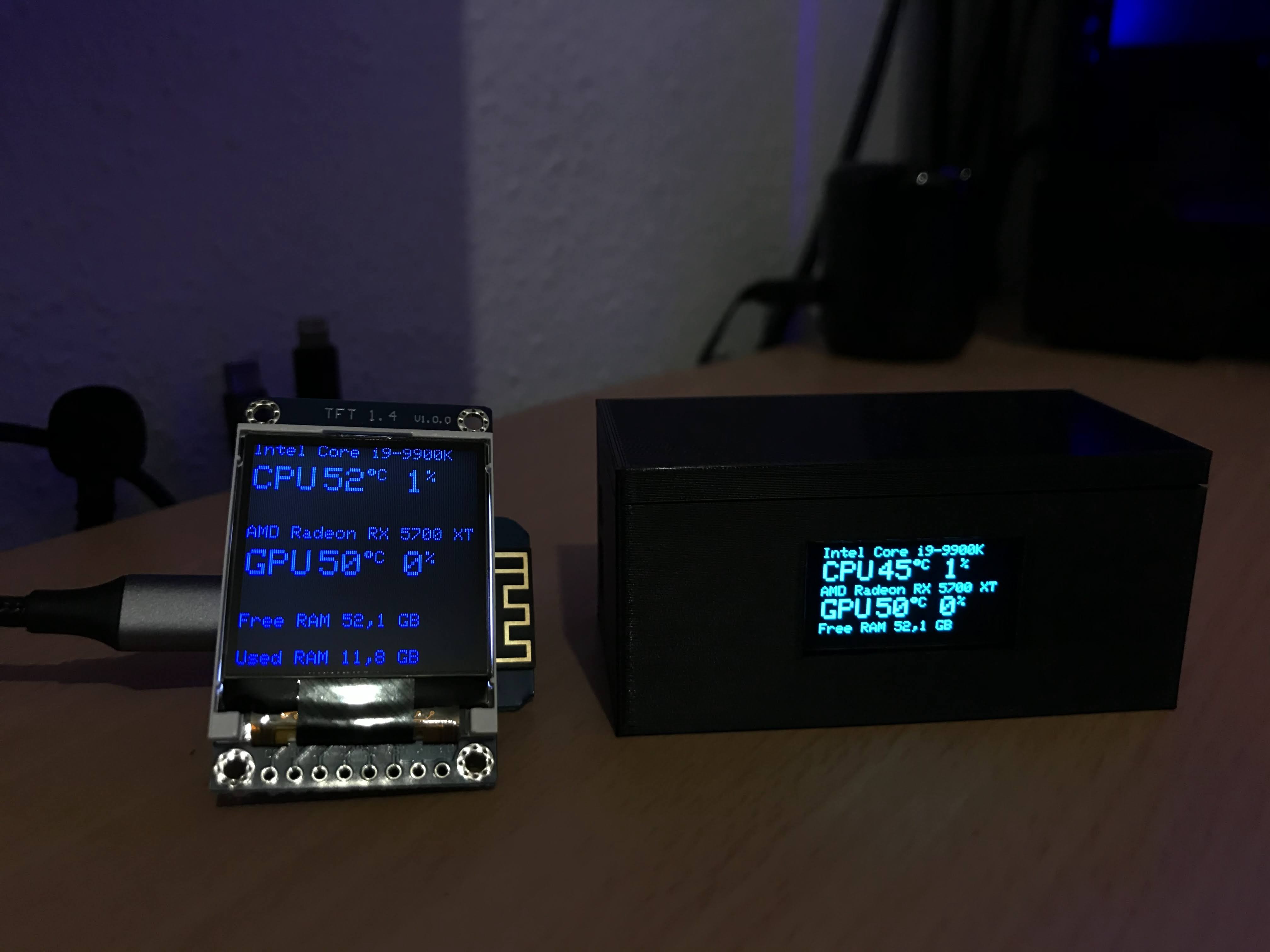
- Monitor your CPU, GPU and RAM over Wi-Fi
- OTA Firmware updates
To Do
- Add support for different screens
Needed hardware
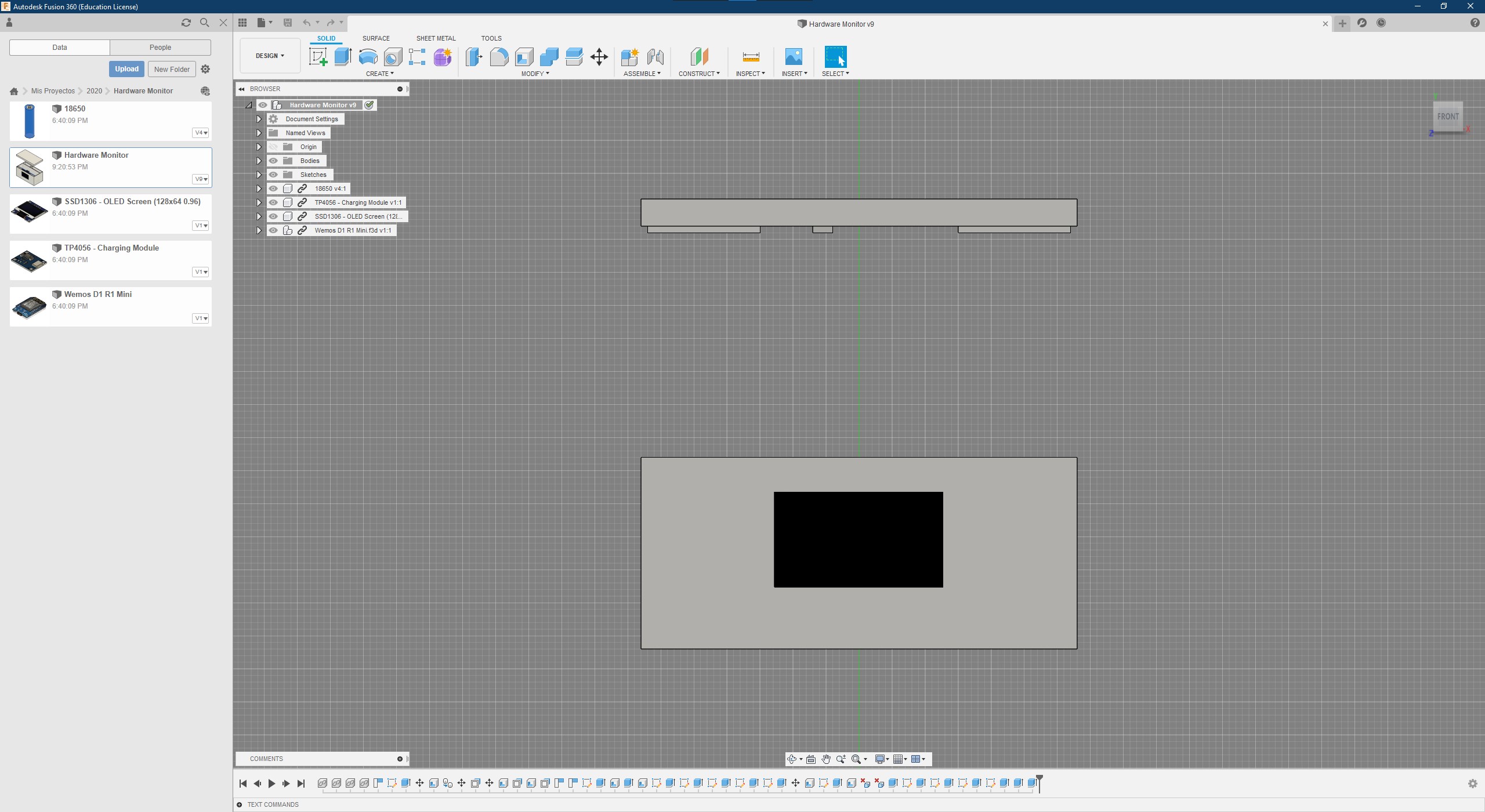
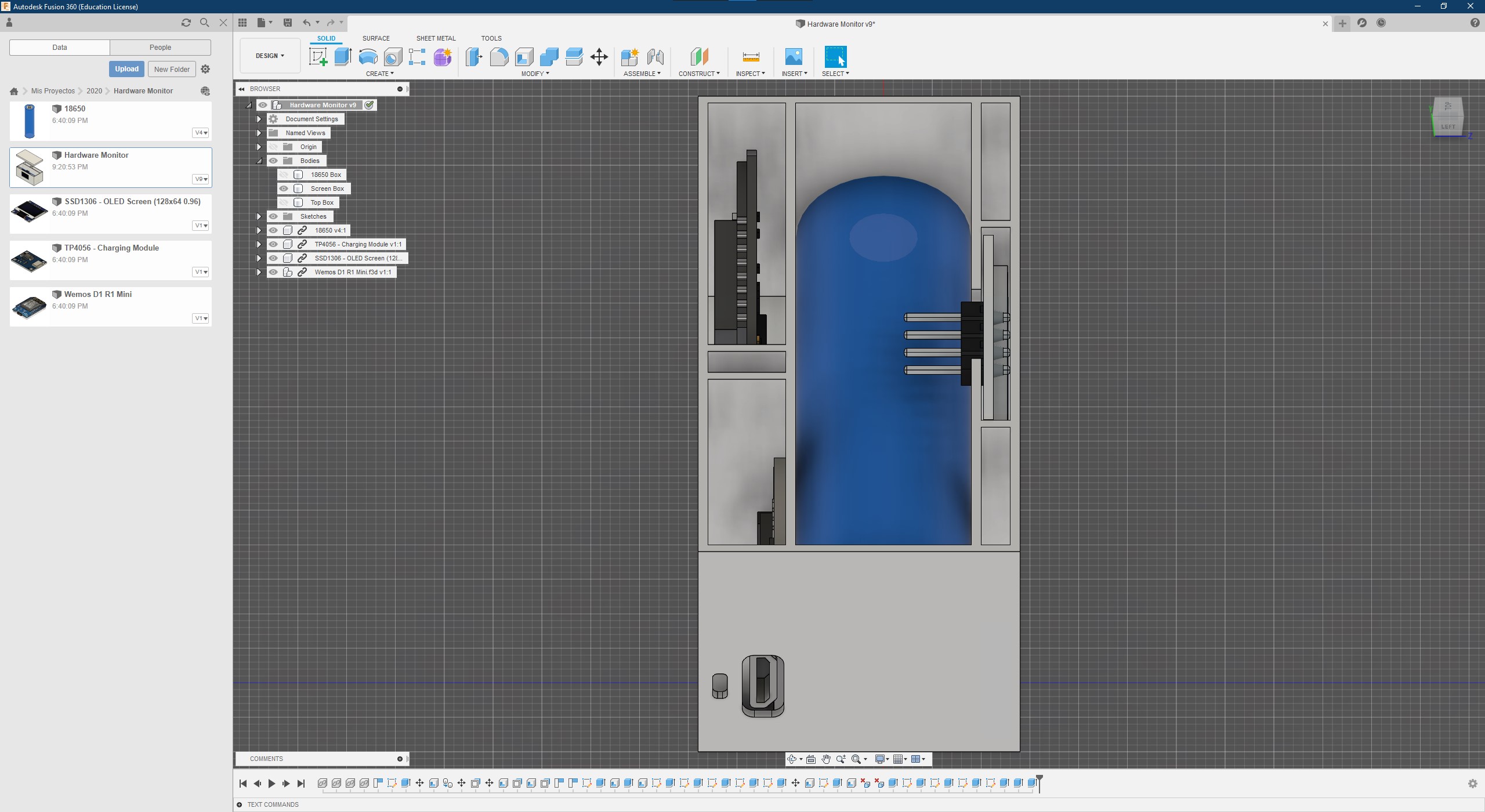
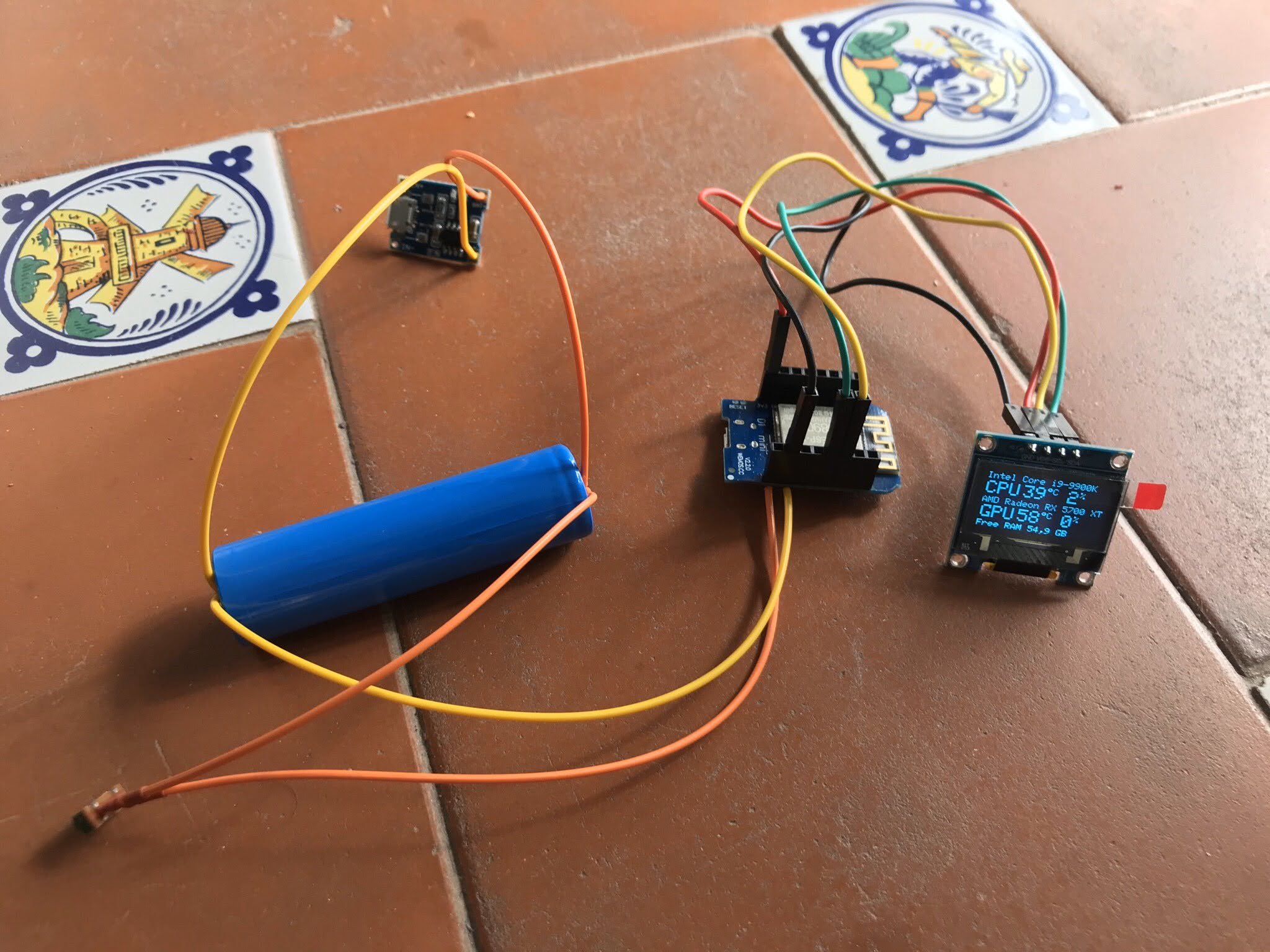
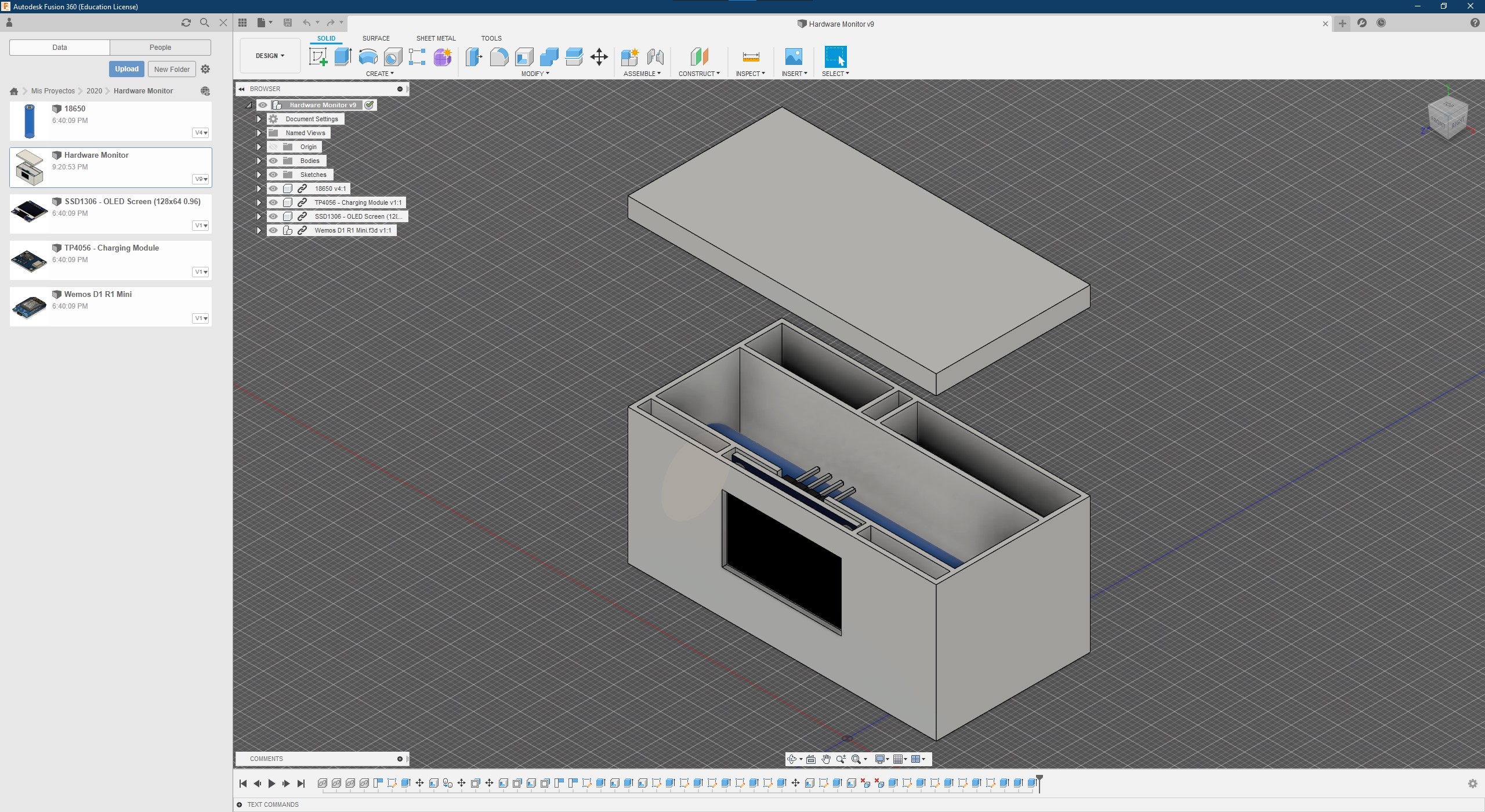
3D printed case (SSD1306 Screen)
- 1x Wemos D1 R1 Mini (ESP8266) - Get it on Amazon
- 1x SSD1306 Screen - Get it on Amazon
- 1x Charging module - Get it on Amazon
- 1x 18650 Battery - Get it on Amazon
- 1x Switch - Get it on Amazon
- 4x GPIO Cables - Get it on Amazon
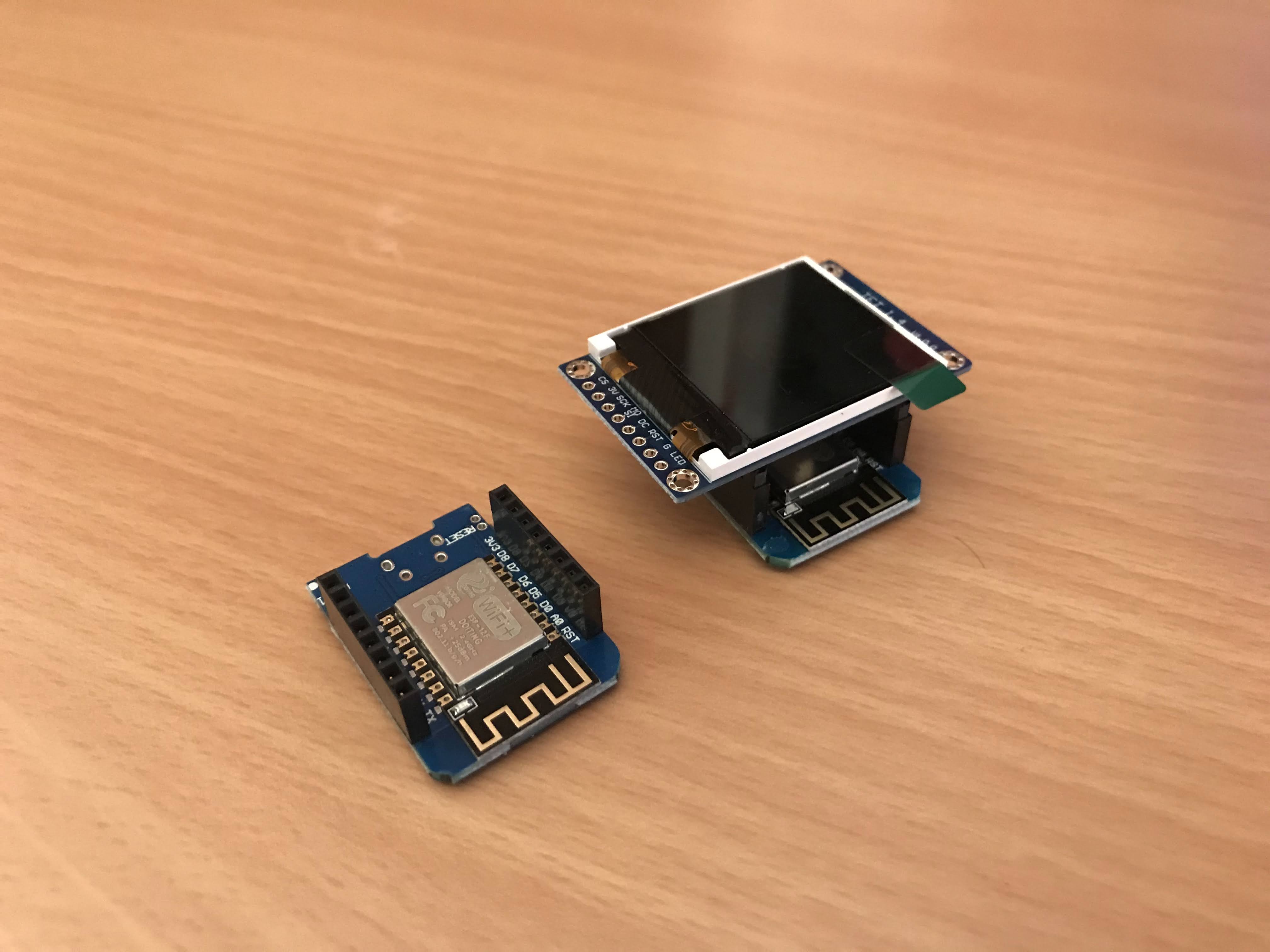
Without case (ST7735 Screen)
- 1x Wemos D1 R1 Mini (ESP8266) - Get it on Amazon
- 1x ST7735 Shield for Wemos- Get it on Amazon
Ultimate 3D Printer Control
Connect printers from Bambu Lab, Klipper, OctoPrint, Creality, Snapmaker and Prusa from anywhere.
Monitor your prints in real-time and control everything from your iPhone, iPad, Mac or Apple Watch.
Instructions
Software
Get the Source Code on GitHub
You need to install the following software to start building this project:
- Visual Studio Code
- PlatformIO Extension for VSCode
- Open Hardware Monitor
- UART Driver for Windows to recognise your ESP8266
VSCode
You need to modify the following values from /include/secrets.h matching your Wi-Fi setup
URL example const char *url = http://YOUR-PC-IP:8085/data.json
How to get your pc ip address on Windows 10?
- Open
Command Prompt - Write
ipconfigand press ENTER - Search for IPv4 Adress:
YOUR-PC-IP
const char *ssid = "YOUR_SSID";
const char *password = "YOUR_PASSWORD";
const char *url = "YOUR_OPENHARDWAREMONITOR_SERVER_URL";
const char *hostname = "HardwareMonitor";
Inside /src/main.cpp you need to choose between hardwareMonitorSSD1306(); or hardwareMonitorST7735();
Uncomment the screen that you want to use.
// Enable Wi-Fi Hardware Monitor with SSD1306 screen
  hardwareMonitorSSD1306();
// Enable Wi-Fi Hardware Monitor with ST7735 screen
  // hardwareMonitorST7735();
On platformio.ini you choose the port that uses your ESP8266
Uncomment the upload protocol that you want to use.
; Upload over serial
upload_protocol = esptool
upload_port = COM4

; Upload over Wi-Fi
; upload_protocol = espota
; upload_port = "192.168.1.120"Ultimate Dashboard for Xiaomi and Ninebot
Monitor, customize and track your scooter statistics from your pocket.
Get real-time data about battery, speed, temperature and more. Compatible with official and custom firmwares. Sync everything with iCloud and personalize your dashboard.
Open Hardware Monitor
- Go to
Options > Remote Web Server - Enable
Run - On
Set Portuse for example port8085
Firewall rule for Windows 10
- Add an
Entry Rulewith the following values- Name
Open Hardware Monitor - Port
8085 - Protocol
TCP
- Name
How to test if server is accesible?
- Get your phone connected to Wi-Fi
- On browser url write
YOUR-PC-IP:8085 - If you can see the values, your Wi-Fi Hardware Monitor can access them.
We are working on this post, sorry for the inconvenience
Gallery
3D Model
Get it on Thingiverse
Manage Your Ad Revenue in Real-Time
The most powerful dashboard for Google AdMob and AdSense publishers.
Monitor your earnings, clicks, and eCPM across multiple accounts. Customizable widgets and detailed charts to help you optimize your monetization strategy from anywhere.